Help & Information
Guide
Step-by-step help for everything on ECS Network: accounts, teams, scrims, league, and more. Looking for quick answers instead? Check the FAQ.
Getting Started
Find out how to get started on ECS Network
Creating your ECS Network account
- 1
Click "Sign In" in the top-right corner of any page, then "Create an account".
- 2
Sign up with Google, Discord, or a plain email and password, whichever's easiest for you.
- 3
That's it, you're in. No verification wait, no approval needed to start browsing.
- 4
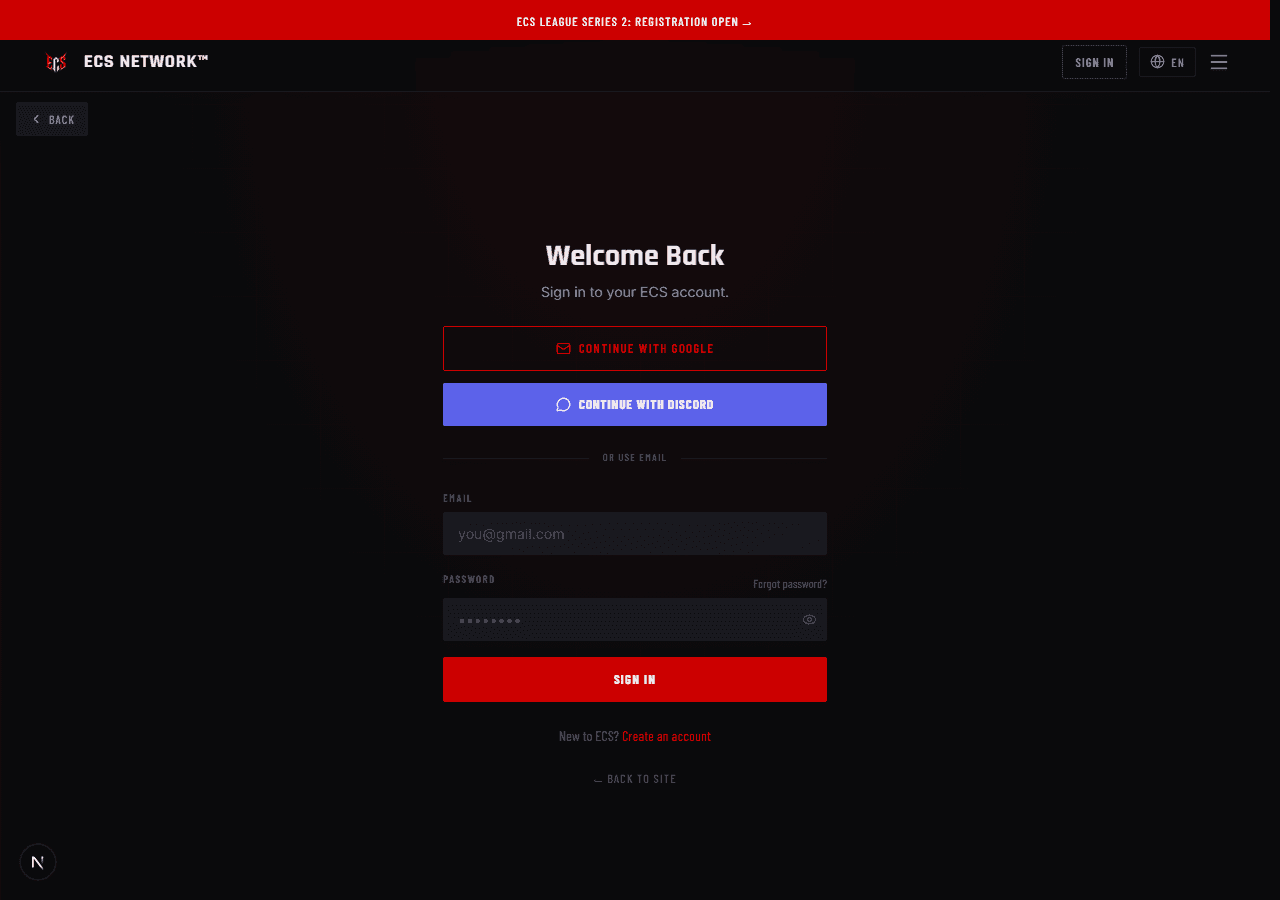
One account covers the whole site. Your profile, Player Market listing, team registration, and event sign-ups all use the same login.
Understanding the platform: League vs Elite Scrims vs Events
- 1
League is the season-long structure: six divisions, Division 1 Pro down to Division 6 Entry, with promotion and relegation for each game title. Click here to view the League
- 2
Elite Scrims are the daily practice lobbies. Teams compete every day, results post to Live Results, and kills and placements feed the weekly Kill Leaderboard. Click here to view Elite Scrims
- 3
Event Results is a separate thing entirely. It's for tournaments and one-off special events, like a cash-prize cup, and it has its own tab so it never mixes with your daily scrim history.
Choosing your language
- 1
Click the globe icon next to "Sign In" in the navbar.
- 2
Pick from English, French, Portuguese, Arabic, or Swahili.
- 3
The site remembers your choice on this device, so you won't need to reselect it next time.
Your profile, level, and badges
- 1
Every account has a public profile, showing your bio, socials, and stats if you're a registered player. Click here to view your profile
- 2
You earn XP and level up just by being active and keeping your profile filled out. The more complete it is and the more you participate, the higher you climb.
- 3
Your level maps to a Prestige tier — Rookie, Pro, Elite, Veteran, Master, and Overlord — shown as a badge next to your level. Climbing tiers is a long-term goal, not a quick unlock.
- 4
Badges are awarded for specific achievements and milestones. Check your profile to see which ones you've already unlocked and which are still up for grabs.
Still stuck?
Reach out to the ECS team directly, or check the FAQ for quick answers.